Guide
How do you prompt an AI video model for specific character emotions?
, 5 min read
To prompt models like Gemini Omni Flash or Veo for specific character emotions, you need to break down your creative idea into key components and use precise keywords. This approach helps these models generate the exact emotional content you envision. By clearly describing actions, movements, interactions, and subtle expressions, you can guide these models to produce videos with compelling emotional depth.
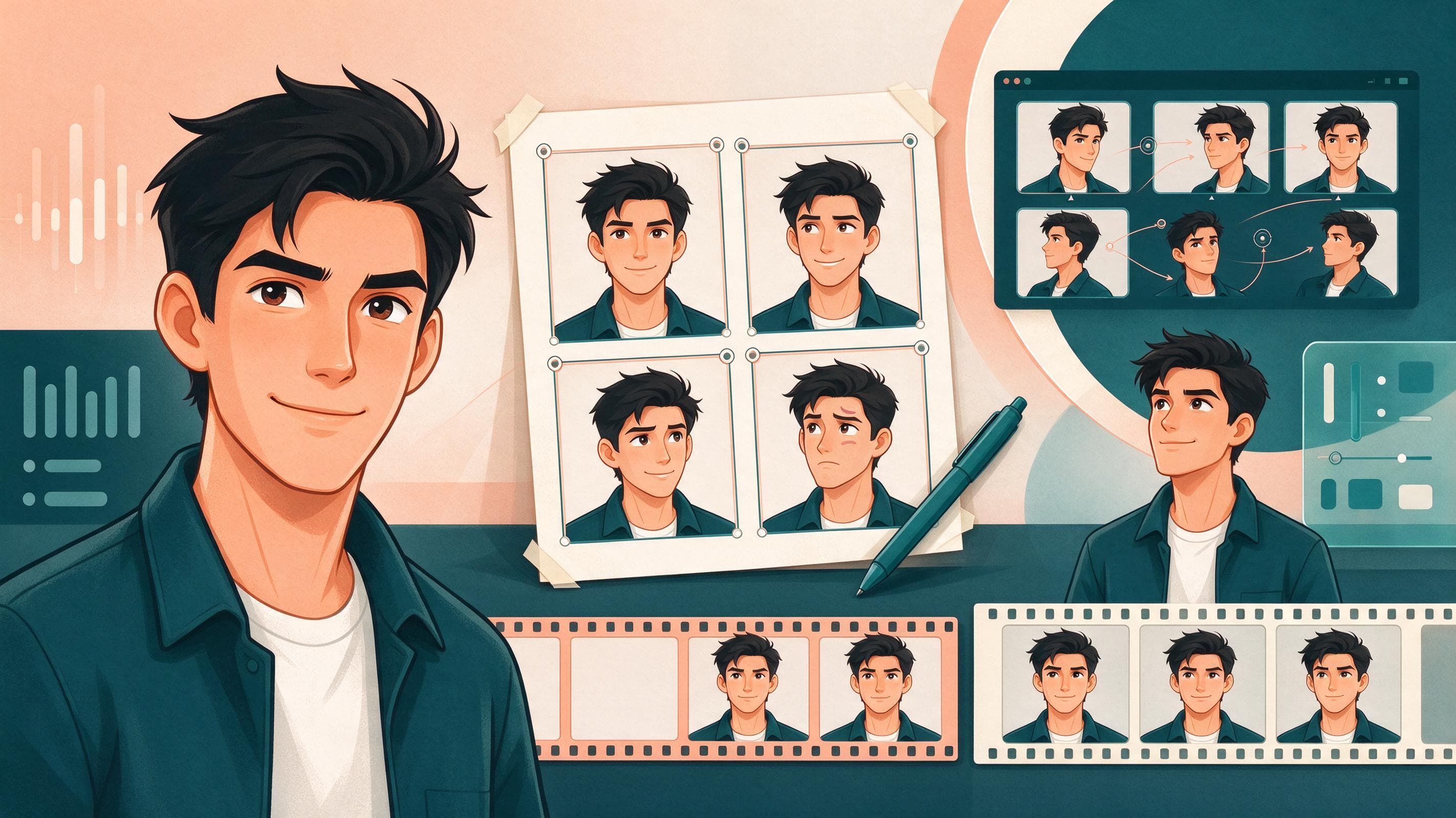
The short version
- Break down your video idea into key components for effective prompting.
- Use precise keywords to describe actions, movements, and subtle expressions.
- Specify emotional expressions like smiling, frowning, or appearing thoughtful.
- Leverage camera angles such as close-ups or Dutch angles to emphasize emotion.
- Maintain character consistency and voice across clips using detailed descriptions and references.
How do you prompt an AI video model for specific character emotions?
To prompt models like Gemini Omni Flash or Veo for specific character emotions, you break down your creative idea into key components and use precise keywords. This method is effective for guiding these models toward the desired outcome. By clearly defining each element of your scene, you help them understand and generate the specific emotional nuances you intend.
Google Cloud documents that describing 'action' in detail is an effective way to achieve specific emotional expressions when using Gemini Omni Flash or Veo. Action brings the subject to life by outlining movements, interactions, and subtle expressions. You can specify emotional expressions directly, such as 'smiling,' 'frowning,' 'surprise,' 'concentrating deeply,' 'appearing thoughtful,' 'showing excitement,' or 'crying,' to ensure these models capture the intended feeling.
How do you describe character emotions and body language in a prompt?
To describe character emotions and body language in a prompt, focus on detailing the character's actions and subtle expressions. This includes not only facial expressions but also physical movements and reactions that convey an emotional state. For example, instead of just saying 'scared,' you can describe specific physical cues.
You might prompt for a character whose 'eyes, previously focused and calm, widen in a flash of alarm as a floorboard creaks off-screen.' Further detail can include how 'They quickly palm the chip, their head snapping up to scan the dimly lit room, their body tense and listening for any other sound.' Google Cloud's documentation indicates that such detailed descriptions provide models like Gemini Omni Flash or Veo with clear instructions on how to manifest emotions through both facial cues and overall body language.
How can camera angles emphasize character emotions?
Camera angles can significantly emphasize character emotions in AI-generated video. A 'close-up,' for instance, frames the subject tightly, typically focusing on the face. This shot is particularly useful for emphasizing emotions or a specific detail, drawing the viewer's attention directly to the character's feelings.
Another technique is to use a 'Dutch angle' or 'canted angle,' where the camera is tilted to one side, creating a skewed horizon line. This angle is often used to convey unease, disorientation, or dynamism, adding a layer of emotional context to the scene without explicit character action.
Which AI models are suitable for generating emotional video content?
When generating videos with specific emotional content, models like Gemini Omni Flash and Veo are designed to respond to detailed prompts. Google documents that you can use Gemini Omni Flash as your model for video generation and conversational video editing in the Gemini API. This model is fast and multimodal, meaning it can process various types of input.
Gemini Omni Flash excels at quickly turning text prompts and images into short videos. It provides superior video coherence, ensuring the generated content flows well, and offers strong character consistency, which is crucial for maintaining emotional arcs. The model also supports multi-input reasoning, handling text, images, audio, and video inputs simultaneously, and allows for multi-turn conversational editing, such as element replacement or perspective changes, to refine emotional portrayals.
How do you maintain character consistency and voice when generating emotional videos?
To maintain character consistency and voice across multiple video clips, especially when conveying emotions, you should describe the scene in detail. This includes being specific about the subject, action, environment, lighting, and style. Google Flow explains that you can consistently use the same images for your character and key objects from one clip to the next with the use of 'ingredients,' which helps maintain a consistent visual identity for your character.
For voice consistency, Google Flow suggests adding a single-speaker voice reference to your prompt to maintain a specific character’s voice across multiple video clips. Under 'Voice Performance,' you can describe how to change the voice, for example, by prompting: 'Make the voice sound slightly raspy with a New York accent.' It is important that your text prompt complements, rather not contradicts, your visual inputs to ensure a cohesive and emotionally consistent character.
Common questions
- What is Gemini Omni Flash?
- Gemini Omni Flash is a fast, multimodal AI model used for video generation and conversational video editing in the Gemini API. It excels at quickly turning text prompts and images into short videos and offers superior video coherence and character consistency.
- How does "action" help in prompting for emotions?
- "Action" in a prompt brings the subject to life by describing movements, interactions, and subtle expressions. This helps the AI model generate specific emotional content by showing how a character physically reacts or expresses feelings.
- What are some examples of emotional expressions to include in a prompt?
- You can include specific emotional expressions such as smiling, frowning, surprise, concentrating deeply, appearing thoughtful, showing excitement, or crying to guide the AI in generating the desired emotional state.
- How can I ensure my character's voice is consistent across video clips?
- To ensure character voice consistency, add a single-speaker voice reference to your prompt. You can also describe how to change the voice under "Voice Performance," for example, by specifying a particular accent or vocal quality.
- What is a Dutch angle?
- A Dutch angle, also known as a canted angle, is a camera technique where the camera is tilted to one side, creating a skewed horizon line. This angle is often used to convey feelings of unease, disorientation, or dynamism in a video.
Primary sources
This article was researched and written by an AI model and published automatically. It was written from sentences that were checked to appear on the pages below, but a person has not reviewed the text. If something is wrong, tell us at leetcv@darthwares.com and we will correct it.