Guide
What metrics should you track for YouTube video ad performance?
, 6 min read
To measure YouTube video ad performance, Google Ads Help documentation recommends tracking a range of metrics that analyze how your video ads are performing. These metrics help you understand viewer engagement, conversion actions, and the overall effectiveness of your ad creative. Hosting your video on YouTube for your Video campaign is a best practice to access the most comprehensive performance metrics.
The short version
- Track TrueView views, view rate, and unique reach to understand ad visibility and engagement.
- Monitor view-through and engaged-view conversions to measure actions taken after ad exposure.
- Use audience retention data to identify drop-off points and optimize your video creative.
- Google AI assesses video ads for best practices like brand logo, text overlay, voiceover, and ad duration.
- Optimize campaigns by adjusting bids, budgets, targeting, and rotating different ad creatives to avoid fatigue.
What are the key metrics for YouTube video ad performance?
Google Ads Help describes various YouTube ad metrics designed to help you analyze the performance of your video ads. These metrics allow you to track viewer actions and gauge the effectiveness of your campaigns. For the most comprehensive data, Google Ads recommends hosting your video on YouTube when running a Video campaign.
A core metric is the TrueView view, which is how you are billed when purchasing YouTube ads using cost-per-view bidding in a Video View Campaign. The TrueView view rate indicates the percentage of impressions that resulted in a view. A video ad with a high TrueView view rate generally wins more auctions and incurs a lower TrueView cost-per-view (CPV) compared to an ad with a low view rate.
Another important metric is unique reach, which helps you understand the total number of distinct people who were served your ad across various devices, formats, sites, apps, and networks. Google Ads provides an "Ads data" view specifically to measure how your video performed when used as an ad. Video ads offer a range of measurable viewer actions that can be tracked to help achieve your advertising goals.
How do you measure audience engagement with your video ads?
To better understand the performance of your YouTube video ads, including adherence to creative best practices, Google Ads provides tools like the "Audience retention" card. This card shows the percentage of viewers who watched each second of your video. Analyzing this data can reveal significant drop-off points.
If you observe a steep decline in audience retention at certain moments, especially within the first 10 seconds, it suggests you should investigate what aspects of your ad creative might be causing this. For example, if compelling content appears later in the video, you might consider reordering your content to capture attention earlier.
Google Ads also uses Google AI to automatically assess your video ad within 72 hours of it running in a campaign. This assessment checks if your ad is missing any of four key best practices: including a brand logo, text overlay, voiceover, and appropriate ad duration. You can find these insights and "Ideas to try" in Video Analytics, below the retention curves.
What are view-through and engaged-view conversions?
Google Ads tracks specific conversion types related to video ad exposure. View-through conversions, labeled as "View-through conv.", are counted when users are served an impression of your ad but do not click on it or have it counted as a view. They then convert on your site within a defined conversion window.
Engaged-view conversions are another distinct metric. These are counted when a viewer watches at least 10 seconds of a skippable ad, which is an ad that can be skipped after 5 seconds, but does not click on it. If that viewer then converts within the Engaged-view conversion window, it is recorded as an engaged-view conversion.
How can Google AI enhance video ads in Performance Max campaigns?
Performance Max campaigns now offer advanced reporting and controls for creative video enhancements. These enhancements leverage Google AI to automatically create additional versions of your video, aiming to improve campaign performance. For instance, Google AI can generate a vertical video from your horizontal video to better suit vertical screens, or create a shorter video designed to capture user attention within the first 5 seconds.
Reporting features help you understand the types of creative automation used by Performance Max campaigns and how they contribute to your campaign's performance. Google AI can also generate voiceovers, though this feature is currently available only for accounts and assets in English.
You have control over these AI-driven enhancements. A/B experimentation allows you to understand the impact of creative enhancements on your campaigns. Controls let you guide the AI's creative output or even turn off specific types of creative automation entirely if they don't align with your business needs. If you need to remove individual system-generated assets that don't meet your brand expectations, you can do so while still benefiting from other aspects of creative automation.
How can you improve your video ad campaign performance?
Optimizing your video ad campaigns involves several strategies. If your impression share is less than 100%, it indicates that increasing your bid or budget could help your ads appear more frequently. Similarly, if your video ad's TrueView view rate is lower than ads in other campaigns, adjusting your campaigns can lead to a higher view rate.
Creative fatigue can impact performance, often signaled by rising cost-per-view (CPV) if an ad has been active for a few weeks. To combat this, Google Ads recommends rotating two or three different ads in and out of the auction.
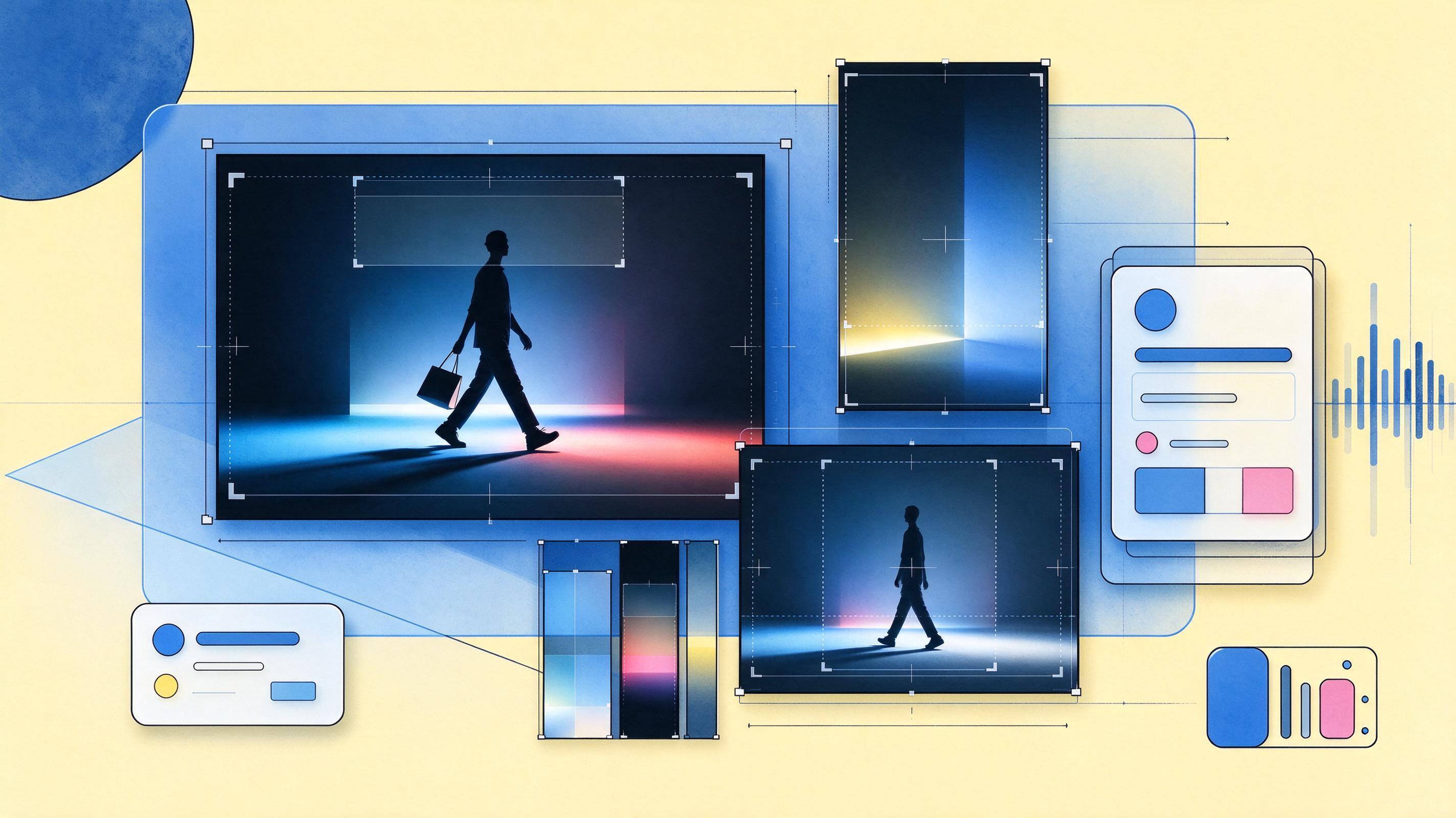
Another way to enhance performance is by narrowing your targeting. This ensures your video ads are shown to a more relevant audience, where the ad's context makes sense. Additionally, it's recommended to upload multiple videos in different aspect ratios, such as square, vertical, and horizontal, each with distinct messages. For App, Performance Max, and Video campaigns, including vertical videos in your creative assets is considered a best practice.
Common questions
- Why should I host my video on YouTube for my Video campaign?
- Google Ads recommends hosting your video on YouTube for your Video campaign as a best practice. This ensures you have access to the most comprehensive range of metrics available to accurately gauge your video ad's performance.
- What does it mean if my impression share is less than 100%?
- If your impression share is less than 100%, it suggests that your ad is not being shown as often as it could be. In this situation, raising your bid or budget could help your ad appear more frequently, increasing its visibility to potential viewers.
- How can I tell if my video ad creative is causing viewers to drop off?
- The "Audience retention" card in Video Analytics shows the percentage of viewers who watch each second of your video. If you notice a steep drop-off at certain points, especially in the first 10 seconds, it indicates that something in your ad creative might be leading to this, and you should investigate for potential improvements.
- What are the four key best practices Google AI assesses for video ads?
- Google AI automatically assesses your video ad within 72 hours of it running to determine if it adheres to four key best practices. These include the presence of a brand logo, text overlay, voiceover, and appropriate ad duration. You can find suggestions for improvement in Video Analytics.
- Can I control the AI-generated video enhancements in Performance Max?
- Yes, you have controls to guide Google AI's creative output for video enhancements in Performance Max campaigns. You can influence the types of creative automation used or turn off specific types altogether if they don't fit your business needs. You can also remove individual system-generated assets that don't meet your brand expectations.
Primary sources
This article was researched and written by an AI model and published automatically. It was written from sentences that were checked to appear on the pages below, but a person has not reviewed the text. If something is wrong, tell us at leetcv@darthwares.com and we will correct it.